Save real dollars & time with AI - Watch the Launch Recap
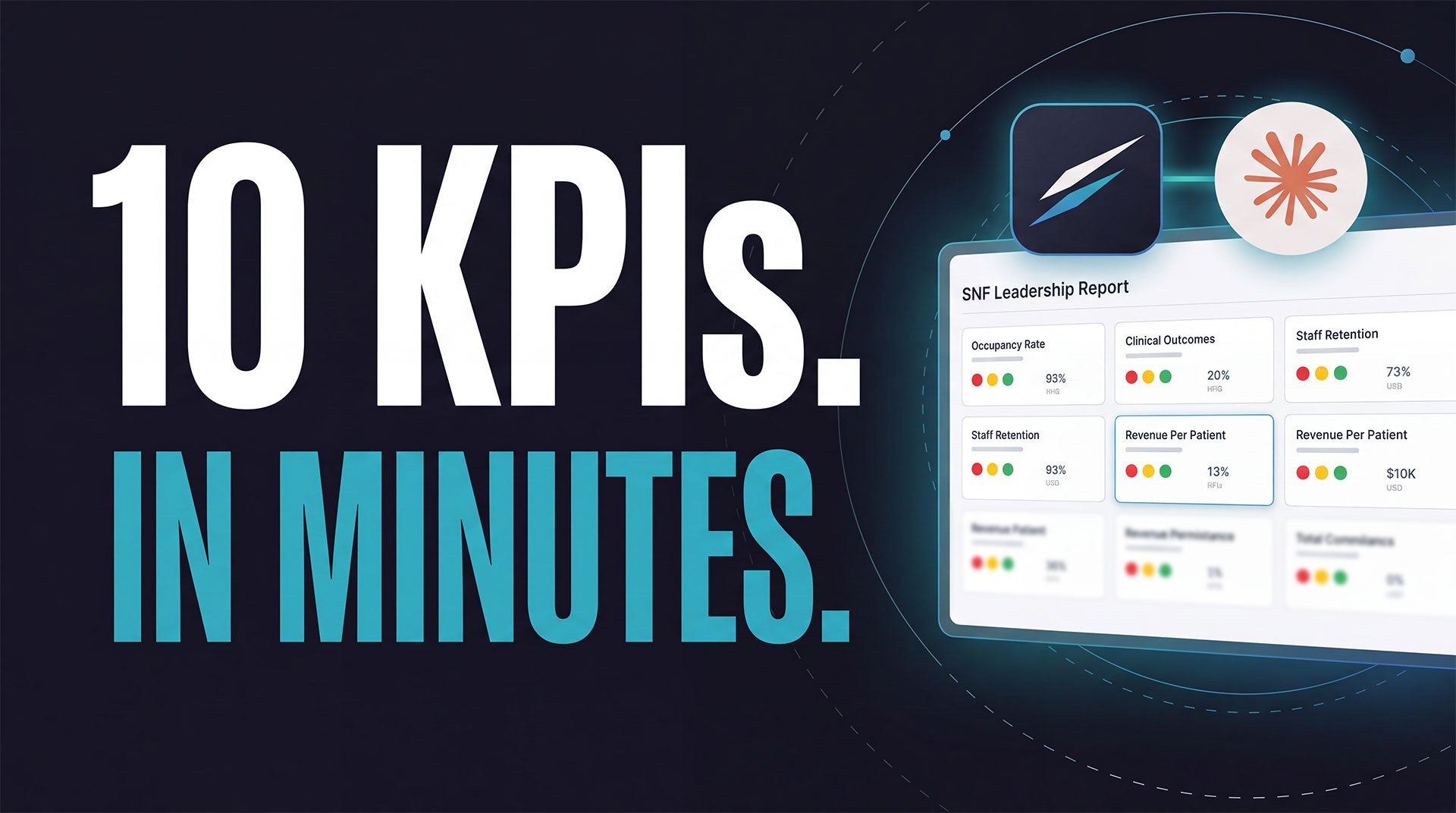
SNF AI in Claude means connecting Claude, the AI assistant your team may already use, to your skilled nursing facility's governed operational data through the MegaEdge connector. Claude can then pull census, payer mix, PDPM, labor, and clinical numbers across every building, with your existing Megadata permissions applied automatically, and use them in real work like a leadership KPI report.
"Can we fill out this template for September so I can present it in a leadership meeting tomorrow?"
That was the entire prompt. On screen during the MegaEdge launch webinar on October 8, 2026, was a blank spreadsheet: 10 KPIs from across the business, one row for every facility in the organization. Megadata CEO and founder Shalom Reinman made the request, VP of Technology Itay Fried ran it in Claude, and Claude filled it in.
Most conversations about SNF AI, and AI in long-term care generally, stay abstract. This one didn't. It was a real, recurring piece of work that nearly every multi-facility operator does by hand, finished live in a few minutes.
Here's exactly what happened in that demo, step by step, why it worked, and what you need to run the same SNF AI workflow in your own organization.
Before running the prompt, Shalom stopped to describe how this report usually gets built. If you run more than a handful of buildings, this will sound familiar.
Some organizations do this weekly. Some do it monthly. The template and cadence change from company to company, but the effort doesn't. It eats hours at the building level and at corporate, every single cycle.
The data needed for this report usually already exists. In a Megadata organization, it already sits in one governed place, connected through 80+ integrations to PointClickCare, payroll, billing, and more. The slow part is getting those numbers into the format leadership wants to see. That's the SNF AI use case shown above combining the MegaEdge AI Connector and Claude.
The demo ran in Claude, connected to the demo organization's data through the MegaEdge Claude connector. Here's the sequence. (Facility names below come from the webinar's demo environment, not a real operator.)
The prompt was plain English: fill out this template for September, for a leadership meeting tomorrow. No report builder. No query language. No list of which systems to check.
Claude used the connector to go into MegaEdge, and MegaEdge went into each area of the business it needed: census, payer mix, reimbursement, labor, clinical. Then it pulled the numbers back into one spot.
Every facility got its numbers. Census, payer mix, PDPM rates, labor, and more, all in the template's own layout.
Claude also wrote a short summary in the conversation, built for the meeting. It called out:
That summary is the part people tend to miss. You get the numbers and a starting point for the conversation about them.
Next, Shalom asked Claude to color-code the spreadsheet so problems would stand out. A few seconds later, every cell was red, yellow, or green.
The issues jumped off the page:
"Right away I have all the key issues across all the facilities jumping out at me," Shalom said.
Then came the question every operator in the audience was probably thinking: can I get this every week without asking again?
Yes. Using scheduled tasks in Claude Cowork, the team set up a weekly task. Claude asked how they wanted it delivered. They picked a fresh Excel file each week, covering the last seven days only.
From then on, the task runs on its own. Each week, Claude goes back through the connector into MegaEdge, pulls the current numbers from the Megadata data underneath, rebuilds the report, and delivers it.
That's the difference between a clever one-off and a process change. The building-by-building email chain doesn't need to start again next Monday.
Anyone can ask a general AI tool to fill a spreadsheet. The hard part is trusting the numbers that come back. Three things made this MegaEdge SNF AI demo different from wiring Claude straight to a pile of exports.
Megadata has spent nine years building integrations, cleaning and standardizing data, and encoding SNF business logic. It knows what census, HPPD, PDPM, and agency mean, and how the clinical, census, labor, reimbursement, and financial pieces relate to each other.
The MegaEdge AI Connector brings that understanding into Claude. Claude isn't guessing how to calculate a census percentage from raw tables. It asks MegaEdge, and MegaEdge answers from metrics that are already defined.
During the Q&A, an attendee asked the question everyone asks about AI: how do I know the numbers are right?
VP of Technology Itay Fried was direct. No AI model is perfect. They all run on probability. If you connected Claude directly to your data, you'd be leaving it to Claude to pick the right sources and do the math.
With the MegaEdge Engine sitting between Claude and your data, the engine handles that work. It picks the right data sources, optimizes the calculations, and returns structured answers. The team tested accuracy heavily, using industry experts to check the results.
Some AI tools handle security by telling the AI what it shouldn't look at. MegaEdge doesn't work that way.
When a user connects Claude, the connector carries over that user's Megadata permissions. An administrator who has access to one building gets answers about one building. No matter how the question is phrased, the AI can't see data the user can't see, because that data was never available to it. As Shalom put it, "it's impossible for the AI to get around that."
That's also why a KPI report built this way can be shared with confidence. A regional director's version covers their region. The CEO's covers the company.
The KPI report was one example. Because the MegaEdge AI Connector brings your Megadata information into Claude, it works with everything else Claude already does. In the webinar, Shalom pointed to a few directions:
Setup takes minutes. Claude supports custom connectors, and the MegaEdge Claude connector plugs into that. It's available now. ChatGPT is coming soon.
The connector is one of two ways into the MegaEdge Engine. The other is the MegaEdge platform itself, built for everyday users who want to ask questions and get answers with charts and suggested follow-ups. Both sit on the same engine and the same governed data. For the full launch story, read our MegaEdge launch recap.
One of the most-asked webinar questions: what if my Claude isn't HIPAA compliant?
You have options. HIPAA-ready versions of Claude are available through Claude Enterprise, and some organizations connect Claude through AWS Bedrock.
If your Claude setup isn't HIPAA compliant yet, the connector still works. MegaEdge holds back detailed resident-level data and gives you clinical data and data from other areas in aggregate form. Once your Claude environment is HIPAA compliant, resident-level information can flow through.
For a KPI report like the one in the demo, aggregate data is often all you need. Census percentage, payer mix, overtime, agency, and rehospitalization rates by building are all facility-level metrics.
Security runs across the whole stack, from the data foundation through the engine to the AI tools. MegaEdge carries over Megadata's SOC 2 and HIPAA compliance and existing permissions, so there's no separate security model to build.
The MegaEdge AI Connector links Claude to the MegaEdge Engine, which sits on top of your organization's Megadata data. Once connected, Claude can pull governed census, clinical, labor, reimbursement, and financial data into your work, like filling a KPI template or answering a cross-facility question. Your Megadata permissions apply automatically.
Yes. In the launch webinar demo, Claude filled a 10-KPI template for every facility, color-coded it, then used a Claude Cowork scheduled task to deliver a fresh Excel file every week covering the last seven days. Scheduling is a Claude Cowork capability, and the MegaEdge connector supplies the current data each run.
Every AI model works on probability, so the risk is real when AI reads raw data on its own. MegaEdge reduces it by placing the MegaEdge Engine between Claude and your data. The engine selects the right sources and handles the calculations using Megadata's defined SNF metrics, and the team validated accuracy with industry experts.
No. Access is enforced by the user's Megadata permissions, not by instructions to the AI. If an administrator only has access to one facility, the AI only receives that facility's data. There's no other data available to it, however the question is worded.
Not to get started. Without a HIPAA-compliant Claude setup, MegaEdge shares clinical and other data in aggregate form and holds back resident-level detail. With Claude Enterprise or Claude through AWS Bedrock configured for HIPAA, resident-level data can flow through.
The connector is available in Claude today. ChatGPT support is coming soon, along with other AI tools.
The 10-KPI report in the demo is the kind of work that quietly eats a week: building-level data gathering, corporate follow-up, consolidation, formatting. With SNF AI in Claude, it became one prompt, one formatting request, and one schedule. That's what practical AI for nursing homes looks like: less time assembling numbers, more time acting on them.
Here's what made it work:
This is the beginning of a broader vision for MegaEdge: moving beyond access to information toward an AI-powered operating experience that increasingly connects intelligence, productivity, workflows, and action. For many SNF operators, the first step is giving back the hours that go into a report like this one.
Already a Megadata customer? Your data is connected, so you can try MegaEdge with a free trial. New to Megadata? Book a 20-minute walkthrough and see SNF AI in Claude run on real operational data.
Ask. Analyze. Act.